Division of Energy Employees Occupational Illness Compensation (DEEOIC)
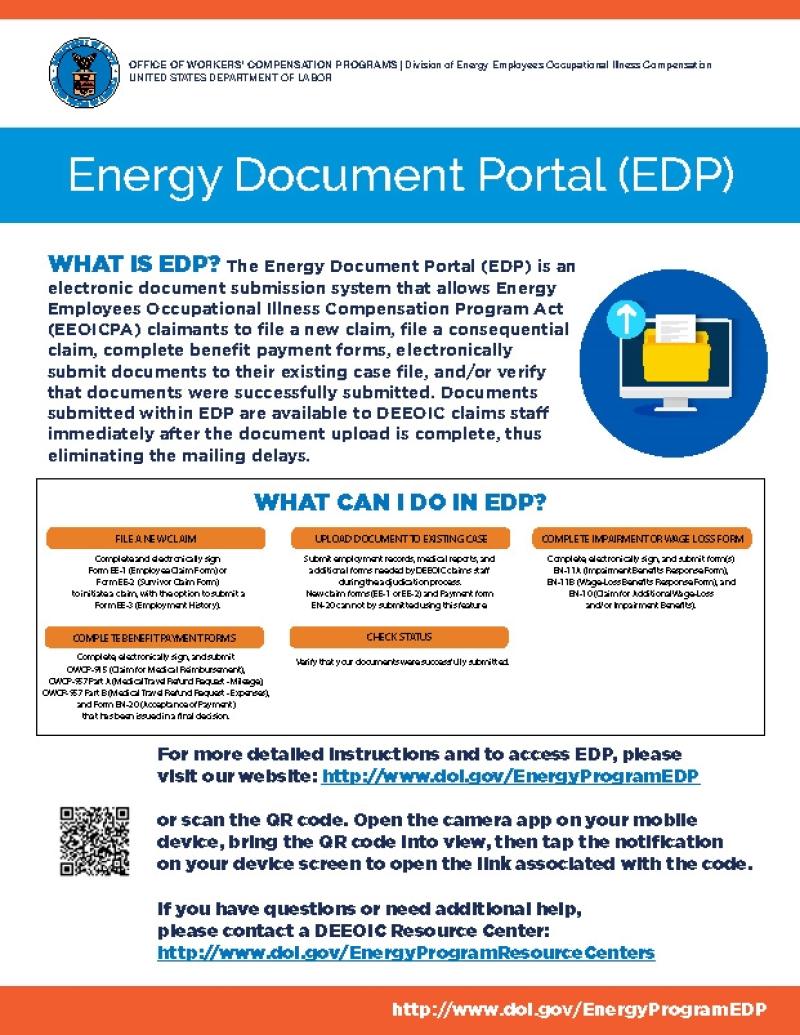
The Energy Document Portal (EDP) is an electronic document submission system that allows Energy Employees Occupational Illness Compensation Program Act (EEOICPA) claimants to file a new claim, file a consequential claim, complete benefit payment forms, electronically submit documents to their existing case file, and/or verify that documents were successfully submitted. Documents submitted within EDP are available to DEEOIC claims staff immediately after the document upload is complete, thus eliminating the mailing delays.
EEOICPA claimants can access the EDP by visiting the EDP website at: https://eclaimant.dol.gov. There you will find five options:
- File a new claim: Claimants can select a claim application form to complete (Form EE-1 or Form EE-2), digitally sign, and submit to DEEOIC. After completing a claim form, claimants have the option to complete an Employment History (Form EE-3). Claimants can also file a consequential claim form (Form EE-1A) if they have already filed a Form EE-1 or Form EE-2 with our program and would like to claim a separately diagnosed medical condition (consequential illness) that a physician concludes occurred or worsened because of an illness that has already been accepted as work-related under the EEOICPA. Note, claimants using EDP to submit an EE-1, EE-2, or EE-1A form must use this option to provide a valid digital signature; we are unable to accept scanned copies of these forms in EDP.
- Upload document to existing case file: Employment records, medical reports, and additional forms needed by DEEOIC claims staff during the adjudication process may be electronically uploaded into the EDP. To upload a document, a claimant will need their DEEOIC Case ID number, the Employee’s Last Name, and the Last 4 numbers of the Employee’s Social Security Number (SSN). Please note: Forms EE-1, EE-2, EE-1A, and EN-20 are not accepted through the upload option. Please use the appropriate option within EDP to submit your form with a valid digital signature.
- Complete impairment or wage loss forms: Claimants can complete, electronically sign, and submit the Form EE-10 (Claim for Impairment/Wage-Loss Benefits).
- Complete benefit payment forms: Complete, electronically sign, and submit an OWCP-915 (Claim for Medical Reimbursement), OWCP-957 Part A (Medical Travel Refund Request – Mileage), OWCP-957 Part B (Medical Travel Refund Request – Expenses) or Form EN-20 (Acceptance of Payment) that has been issued in a Final Decision.
- Check status: Verify that your documents were successfully submitted. After claimants have successfully uploaded their documents into the EDP, they will receive a Document Control Number (DCN). Claimants can use this DCN to check the status of their upload within EDP. If claimants would like further information on the status of their uploaded documents, they should contact the DEEOIC Resource Centers at (866) 888-3322.
To complete claim forms or benefit payment forms through EDP, users are required to have a Login.gov account. You can create a free login.gov account at any time. The process is simple and takes just a few minutes by visiting https://login.gov/create-an-account. If you do not create a Login.gov account prior to accessing EDP, the system will direct you to create a Login.gov as appropriate. Once your Login.gov account is created, it is used to validate your identity and allow for a secure process to submit digitally signed documents. Information on the identity verification process can be found here: https://login.gov/help/verify-your-identity/overview/
If you experience technical issues while using EDP and require assistance, please direct your questions to edpsupport@dol.gov. If you experience issues with your identity verification through Login.gov, please contact https://login.gov/help/ or by calling (844) 875-6446, 24 hours a day, seven days a week.
DEEOIC staff is committed to providing excellent customer service to the nuclear weapons community. Use of the EDP is voluntary. If claimants do not wish to electronically file a claim or upload documents into the EDP, they may continue to mail documents to the Central Mail Room (CMR) or bring their documents to the nearest DEEOIC resource center where they will be uploaded into the claimant’s case file. Claimants should include the DEEOIC Case ID number on all documents mailed to the CMR. The address for the CMR is:
U.S. Department of Labor OWCP/DEEOIC
P.O. Box 8306
London, KY 40742-8306